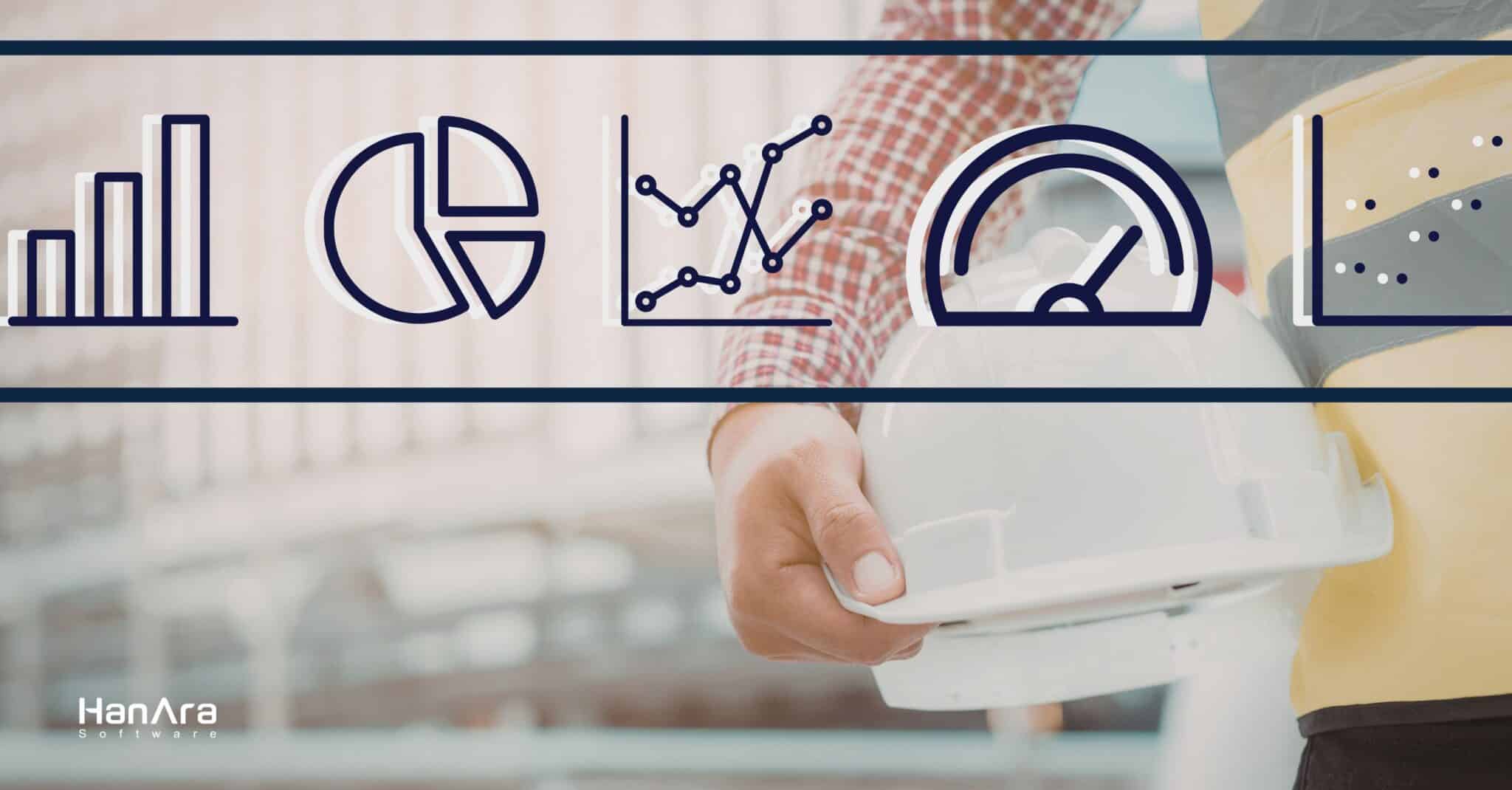
A picture is worth a thousand words, but what about a data visualization? Is a trend chart worth a thousand data points? Maybe not, but this demonstrates a common truth: humans are visual. We typically remember visual information far better than numbers or text. In addition, even though we’re surrounded by data around the clock, there’s a hard limit to how much of it we can actually absorb and act on.
This matters more than ever in industrial settings. Advances within sensor technology and connectivity have made it easier and more cost-effective to collect operational data. Plants, refineries, utilities, and manufacturing facilities are generating massive volumes of information every second. Equipment sensors track processes constantly. The data is there. The challenge is making it mean something. That’s where data visualization comes in.
From Data to Understanding
Data visualization, or data viz, is the practice of representing data graphically so that patterns, trends, and outliers become immediately apparent. It sits at the intersection of data analysis and communication, turning raw numbers into something a human brain can quickly process. Some benefits of industrial data visualization include:
- Faster identification of operational trends
- Improved collaboration across teams
- Clear communication of insights across departments
- Better data-driven decision making
- Increased ability to predict and prevent failures.
But it’s worth noting that visualization and analysis aren’t a simple one-way pipeline. It’s not just about collecting data, analyzing it, and then visualizing it. In practice, visualizations often reveal areas worth investigating further. A chart might surface an unexpected spike or a subtle drift that prompts a deeper analytical dive. Visualization can help create that first interesting thought; the moment where someone looks at a screen and says, “Wait, what’s going on there?”
Of course, this also means that data visualization carries real responsibility. A beautiful chart built on bad data can be more misleading than no chart at all. Consider a dashboard displaying the boiler temperature from a sensor wired in reverse. The gauge renders perfectly, the colors look right, and the layout is clean. But the temperature reads backwards, and anyone who stares at it for more than five seconds realizes nothing on that screen makes sense. The visual has to be backed by meaningful, reliable information (in other words, sound data analysis and data collection). But when that foundation is solid, visualization becomes an effective tool that an operations team has to drive change.
Common Types of Industrial Data Visualizations
Not every visualization serves the same purpose. Different operational questions call for different visual approaches. One thing worth calling out first: industrial data visualization isn’t the same as building charts in a business intelligence tool. OT data infrastructure deals primarily with time-series data, often at high frequency and in enormous volume. A single plant can generate millions of data points per day. That means the visualization tools themselves need to handle speed, scale, and resolution. Standard charting software simply wasn’t built for this task. Querying a year of one-second data from a data historian and rendering it in a meaningful trend isn’t trivial. The tools have to be purpose-built for this environment.
With that context, here are some helpful industrial data visualization types:
Trend Charts
These charts are the workhorse of industrial visualization. They’re ideal for tracking how a signal changes over time, whether you’re looking at real-time status or reviewing historical behavior. They help users spot progression, identify cycles, and catch gradual degradation. Some problems might otherwise go unnoticed. For example, a slow upward drift in bearing vibration over several weeks might not trigger an alarm. A trend chart makes it visible, giving maintenance teams time to act before a failure occurs.
What to watch out for: Pay attention to data resolution. Depending on the software solution, the sampling period is too coarse, peaks and valleys get smoothed out, hiding the very anomalies you’re trying to detect. The right granularity depends on both the time period you’re viewing and the question you’re trying to answer. A week-long overview and a two-hour deep dive call for very different resolutions. Scale matters too: an auto-scaled Y-axis can make minor fluctuations look dramatic or compress real swings into flat lines.
Bar Charts
Bar charts work well for snapshot comparisons. They help you see how different variables stack up against each other at a specific moment in time. They’re particularly effective for comparing throughput across units or summarizing daily production totals. A shift supervisor might use a bar chart to compare output across three parallel production lines. They can immediately see that one is underperforming.
What to watch out for: Make sure you’re making a fair comparison. Are the bars reflecting the same time window, or are you inadvertently comparing a peak-demand shift against a quiet one? Understanding the data refresh rate is equally important. If bars update at different intervals, you may draw conclusions from stale numbers. Displaying a data-last-pulled timestamp is a simple but effective way to keep users grounded in what they’re seeing.
Comparison Charts
This type of chart displays a single variable and overlays it across different time periods. This is especially useful for spotting seasonal variations or evaluating behavior before and after a maintenance event. It’s also good for assessing whether an operational change actually made a difference. Overlaying this month’s data against the same month last year can reveal if efficiency gains from a recent upgrade are holding up.
What to watch out for: Context is everything. A visible difference between two periods isn’t automatically meaningful if you haven’t accounted for other impacting variables. The simplest examples are seasonal effects or different operating modes, comparing summer cooling loads against winter ones without acknowledging the season will lead you to the wrong conclusions. Always ask whether the periods being compared were truly comparable in the ways that matter.
Process Graphics
These graphics overlay live data directly onto diagrams of physical systems, piping and instrumentation drawings, site layouts, equipment schematics, or maps. Think of HMI screens in a control room but extended beyond the DCS. This gives users an intuitive, spatial sense of what’s happening where, connecting data to the plant’s physical reality.
What to watch out for: The biggest risk is information overload. Just because you can place a data point on the graphic doesn’t mean you should. And this is exactly why HMI design is such a critical discipline. A cluttered screen defeats the purpose of spatial context. It’s also essential to confirm that the right information is mapped to the right locations. A misplaced tag or an outdated drawing can quietly mislead users, so regular mapping confirmation matters.
Heatmaps
Heatmaps use color gradients to represent data intensity across a matrix or area. This makes it easy to see concentrations and patterns at a glance. In a large facility, a heatmap of alarm frequency by equipment area can quickly highlight which zones are generating the most operational noise.
What to watch out for: Without clear labels and a well-defined color legend, users can easily misinterpret what the colors represent. It’s also important to ensure the underlying data has a sufficient sample size and covers an appropriate time period. A heatmap built from too little data or too short a window can surface patterns that are really just noise.
X-Y Plots
X-Y Plots reveal relationships between two variables. They help engineers identify correlations and dependencies that time-series charts can miss. Plotting fuel flow against steam output, for example, can reveal inefficiency bands in which the boiler consumes more fuel than expected for a given load.
What to watch out for: The critical distinction is between correlation and causation. An X-Y plot can show that two variables move together, but it cannot tell you that one is driving the other. There may be a hidden third variable behind both, or the relationship may be coincidental. Use X-Y plots to generate hypotheses and guide investigation, not to draw definitive conclusions on their own.
The right visualization depends on the question being asked. In most industrial environments, teams need several of these working together to build a complete picture of operations. And these are just the tip of the iceberg.
Visualization Is Just the Starting Point
Here’s the thing that’s easy to overlook: visualization, as important as it is, is only one piece of the puzzle. Industrial operations need a broader data infrastructure. This should include not just charts and dashboards, but also reporting, alarm management, and analytical tools working together. This is how we approach the problem with HanPrism.
HanPrism is built as an integrated industrial data platform that goes beyond visualization alone. It collects plant data in real time and transforms it into clear, actionable information through several connected capabilities.
HanPrism Spotlight provides rich data visualization and analysis. It supports trend charts, comparison charts, and process screen replay for reviewing historical operations. Script tags let users create custom calculations, such as efficiency metrics, directly within the system.
HanPrism Spreadsheet is an Excel add-in for report creation and automated report generation. It allows teams to pull live and historical data into familiar spreadsheet workflows without learning a new tool.
HanPrism Insight delivers web-based monitoring. Its configurable, accessible dashboards extend operational visibility beyond the control room.
HanPrism Alarm provides integrated alarm management. It features custom thresholds, acknowledgment workflows, and multiple alarm types, including rate-of-change detection, keeping teams on top of abnormal conditions in real time.
Together, these tools form the kind of data historian infrastructure that modern operations require. The data historian of today is a place to store data and a system for turning that data into decisions.
The Bottom Line
Industrial organizations today are surrounded by more data than ever before. But data sitting in a database isn’t doing anyone any good. When data is visualized effectively, it becomes accessible to everyone, from operators to leadership, enabling the kind of cross-team alignment that drives better decisions.
Data visualization is a critical part of that equation. It makes the invisible visible, the complex comprehensible, and the actionable obvious. When it’s embedded within a broader platform that also handles reporting, monitoring, and alarm management, it becomes the foundation for genuinely smarter operations.
If you’re looking to get more value from your operational data, reach out to us to learn how HanPrism can help.